

 русский
 عربى
عربى
Industry News
Home / News / Industry News / Common Faults and Solutions for CNC Machines: Helping You Quickly Eliminate Problems!
Common Faults and Solutions for CNC Machines: Helping You Quickly Eliminate Problems!
 2025.12.23
 Industry News
CNC machines are high-precision equipment widely used in manufacturing, finding applications in various industries such as aerospace, automotive, electronics, and mechanical processing. Due to their efficient and precise processing capabilities, CNC machines play an indispensable role in production lines. However, with increased usage time, CNC machines inevitably experience some malfunctions, leading to decreased production efficiency, affected product accuracy, and even equipment downtime.
To help operators and maintenance personnel quickly diagnose and resolve common faults, this article will list several common CNC machine faults and their corresponding solutions, helping you eliminate potential problems in a timely manner and maintain the efficient operation of your production line.
1. Common CNC Machine Faults
Machine fails to start or power on
Unstable machining accuracy
CNC system alarm
Excessive spindle vibration or noise
Excessive cutting tool wear
Oil circuit system failure
Insufficient or excessive coolant supply
2. Faults and Solutions
(1) Machine fails to start or power on
Fault description:
The CNC machine fails to start normally or the system cannot complete the startup procedure, usually manifested as the power indicator light not illuminating or a system error message.
Common causes:
Power failure or unstable voltage
Blown fuse or damaged circuit board
Control system software error
Loose or disconnected electrical connections
Solutions:
Check the power supply: Confirm that the machine's power outlet is working correctly and the voltage is stable. Check that the power cable connection is secure.
Replace the fuse: If the fuse is blown, check the equipment's current load and replace the fuse if necessary.
Check electrical connections: Check the terminal blocks, plugs, and cables for looseness, breaks, or short circuits.
Restart the control system: Power off and restart the system, ensuring that there are no abnormalities in the software and system settings.
(2) Unstable machining accuracy
Fault description:
During the machining process, the dimensional accuracy of the product does not meet the requirements, and over-cutting or under-cutting may occur.
Common causes:
Problems with the spindle, guide rails, or servo motor
Tool wear or improper installation
Improper machining condition settings (e.g., unsuitable cutting parameters)
Unstable workpiece clamping
Solutions:
Check the machine spindle and guide rails: Regularly clean and lubricate the spindle and guide rails to ensure smooth operation. If vibration or noise is detected in the spindle, check if the spindle bearings are damaged.
Check the cutting tools: Check the cutting tools for wear and replace them if necessary. Ensure that the tools are securely installed to avoid accuracy deviations due to looseness.
Optimize cutting parameters: Adjust cutting parameters (such as cutting speed, feed rate, depth, etc.) according to the processing material and tool type.
Secure the workpiece: Ensure that the workpiece is securely clamped to avoid processing errors caused by workpiece looseness.
(3) CNC System Alarm
Fault Description:
The CNC machine displays an alarm message during operation, usually in the form of an alarm code or error message on the control panel.
Common Causes:
CNC system hardware failure
Software errors or incorrect parameter settings
Sensor failure
Solution:
Check the fault code: Refer to the operation manual based on the CNC system's alarm code to identify the fault type and troubleshooting method.
Check system parameters: Ensure that all parameters are set correctly, especially those related to tool compensation, coordinate system, speed, and feed rate.
Check sensors: Check the system sensors, such as position sensors, temperature sensors, and pressure sensors, to ensure they are working properly.
(4) Excessive Spindle Vibration or Noise
Fault Description:
The machine spindle exhibits abnormal vibration or noise, usually manifested as increased noise during processing or spindle vibration.
Common Causes:
Spindle bearing wear or lack of lubrication
Improper spindle and tool installation
Workpiece not securely fixed
Solution:
Check spindle bearings: Check the spindle bearings for wear or aging, and perform regular lubrication and maintenance.
Check tool installation: Ensure that the tool is securely fastened to the spindle to avoid vibration caused by loose tools.
Secure the workpiece: Check if the workpiece is properly fixed; if necessary, use clamps to reinforce the workpiece to prevent vibration.
(5) Excessive Cutting Tool Wear
Fault Description:
The cutting tool wears out too quickly during processing, leading to reduced processing quality and lower production efficiency. Common Causes:
Unreasonable cutting parameter settings
Inappropriate tool material selection
Influence of processing environment (e.g., temperature, humidity)
Solutions:
Adjust cutting parameters: Adjust processing parameters such as cutting speed and feed rate appropriately according to material characteristics and tool type to avoid excessive cutting.
Select appropriate tool materials: Select suitable tool materials based on the hardness and material of the workpiece, such as coated tools and high-speed steel.
Use of coolant: Use appropriate coolant to reduce temperature and minimize tool wear.
(6) Oil Circuit System Failure
Fault Description:
The oil circuit system fails to work properly, resulting in insufficient lubrication or unstable pressure, affecting machine tool performance.
Common Causes:
Oil pump failure
Oil circuit blockage or leakage
Oil quality problems
Solutions:
Check the oil pump and oil circuit: Check if the oil pump is working properly and if there is any blockage or leakage in the oil circuit.
Regularly replace lubricating oil: Regularly replace lubricating oil to ensure that the oil quality meets the requirements and prevent oil aging from affecting the lubrication effect.
(7) Insufficient or Excessive Coolant Supply
Fault Description:
Insufficient or excessive coolant supply leads to overheating of the cutting area or waste of cutting fluid, affecting processing results.
Common Causes:
Coolant pump failure
Coolant pipeline blockage or leakage
Improper coolant flow setting
Solutions:
Check the coolant system: Check if the coolant pump is working properly and if there is any blockage or leakage in the coolant pipeline.
Adjust flow settings: Adjust the coolant flow rate according to the processing process to ensure optimal cooling effect.
Timely detection and resolution of these faults can not only improve production efficiency but also extend the service life of the machine tool. Through regular inspection, maintenance, and reasonable parameter adjustments, operators can minimize the occurrence of faults and ensure the efficient operation of the machine tool.
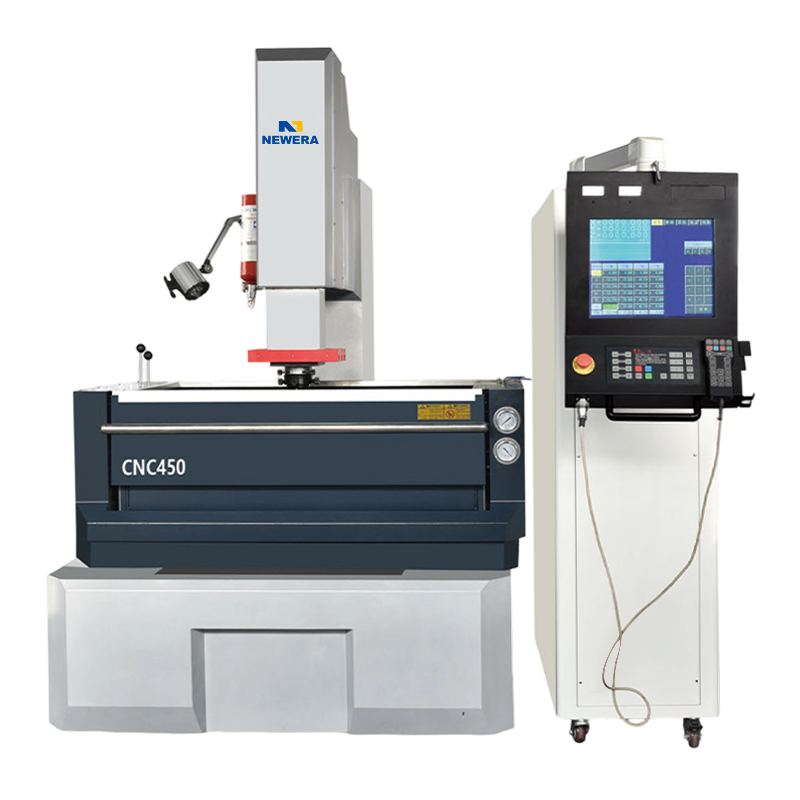
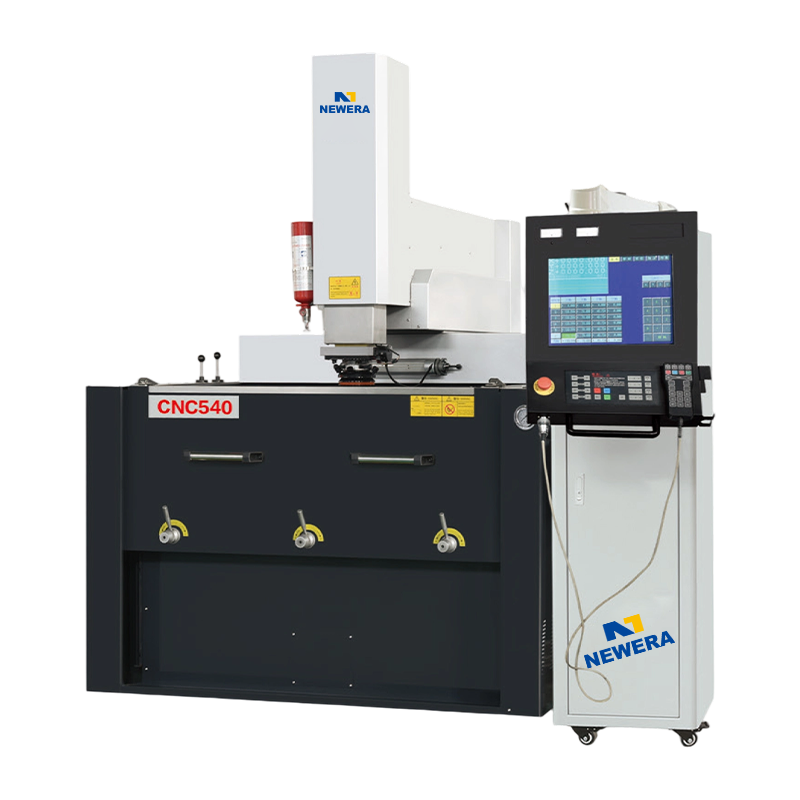
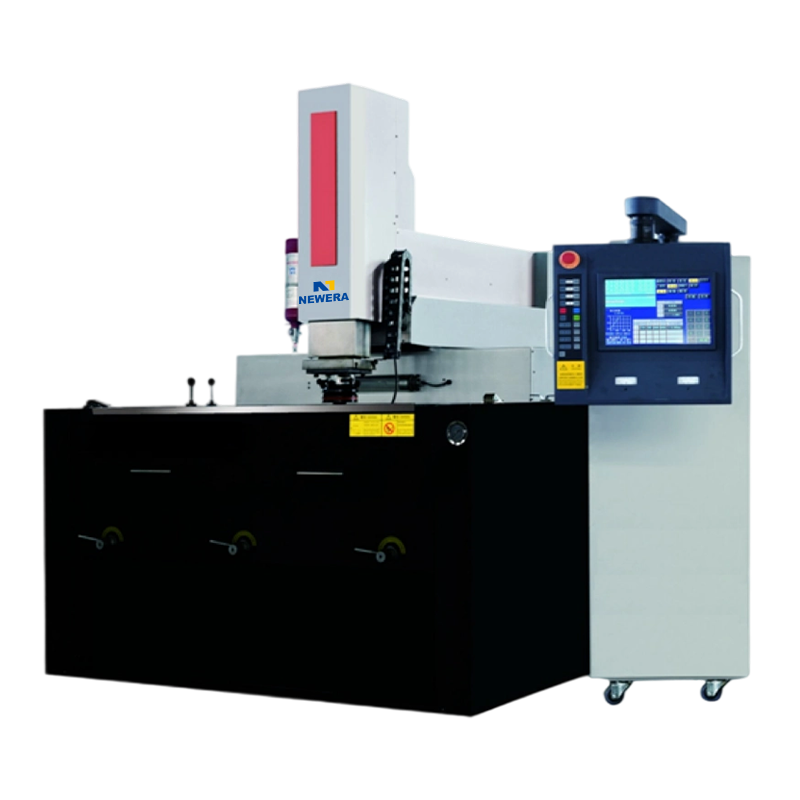
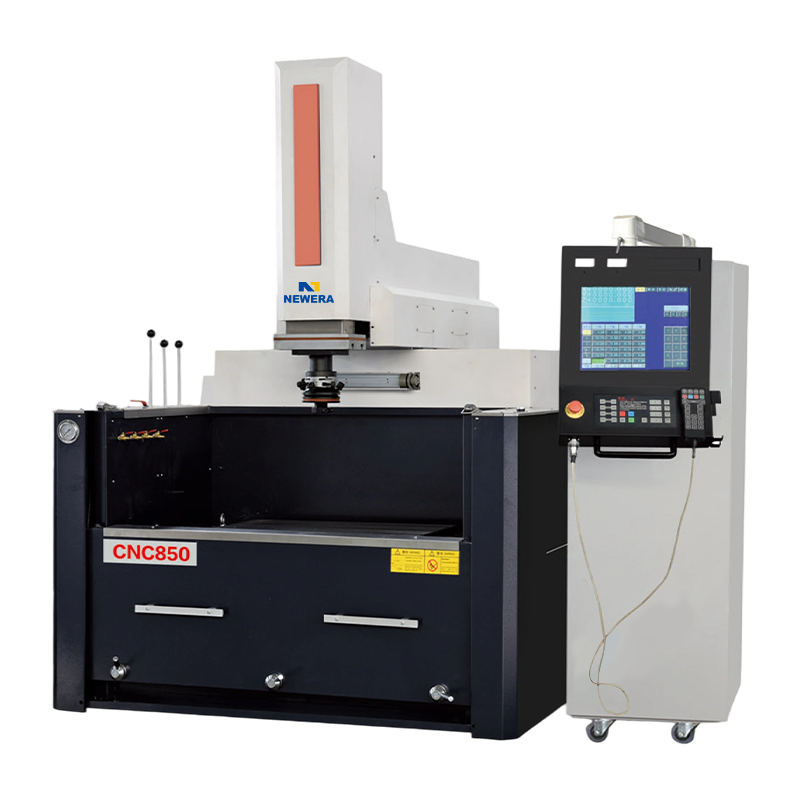
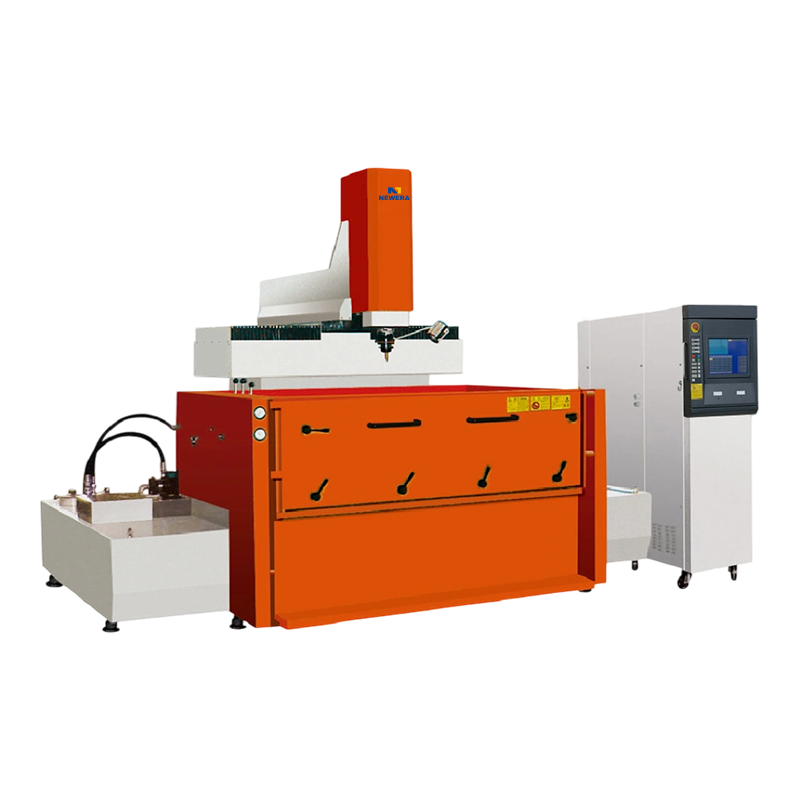
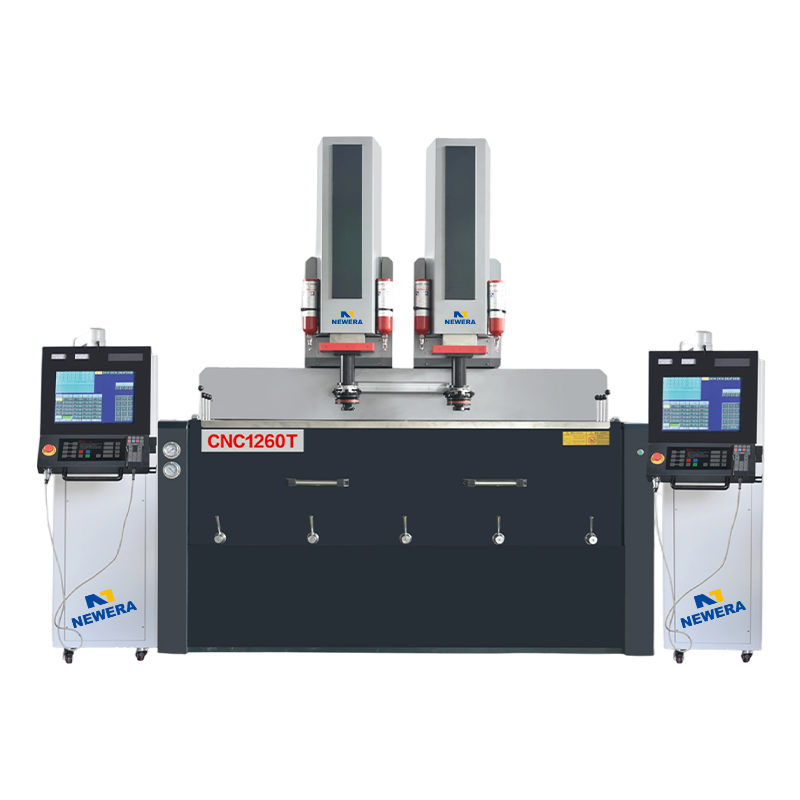
If you are interested in our products, please consult us.
CONTACT DETAILS
Nantong New Era Technology Co., LTD
- Five-star Industrial Park, Chongchuan District, Nantong City, Jiangsu Province, China
- TEL:+86-19851302688
- E-Mail: [email protected]
Products
Quick link
Mobile terminal
